It's quite easy to receive products from other players or the Ticarium Corporation into your Logistics Depot.
First, let's acquire stock of a product already in your Logistics Warehouse.
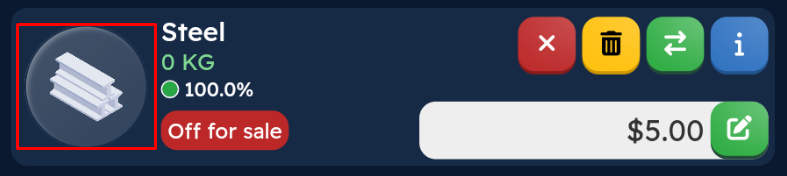
By clicking on the product image, you can go to the product purchase screen.
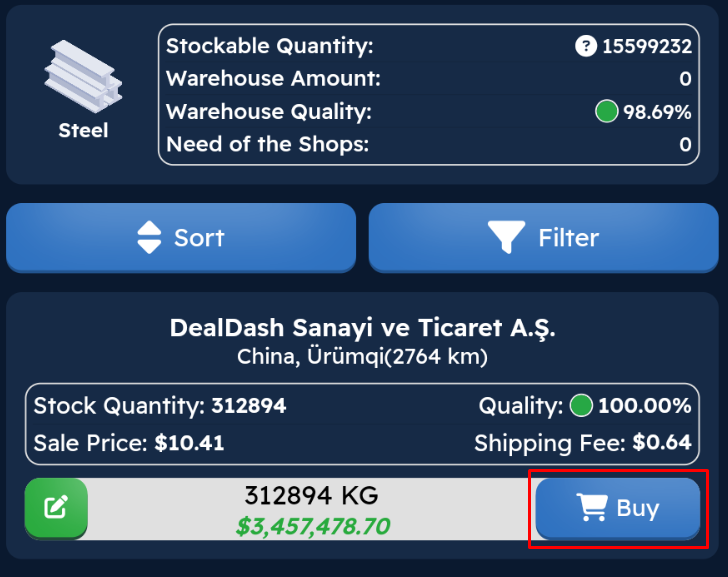
In the list that appears, you can Filter and Sort according to your preference, enter the quantity you wish to purchase, and then click the

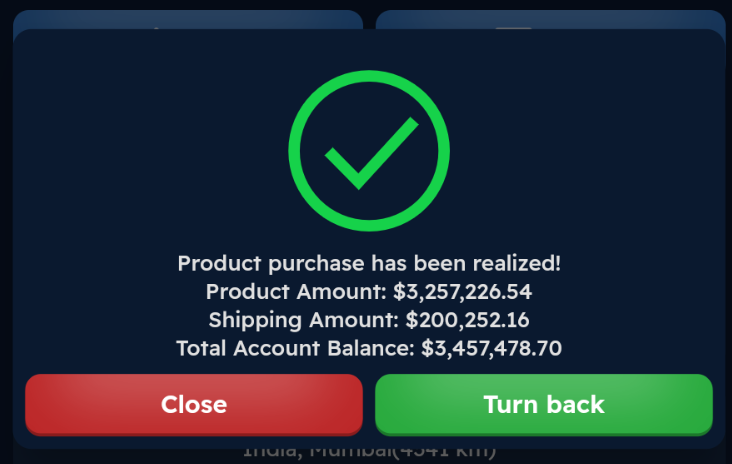
button. You'll see an information message about the purchase cost after confirming.
You can close the window with

to continue purchasing, or use Turn Back to return to your Logistics Depot.
If you wish to buy a different product not present in your Logistics Warehouse:
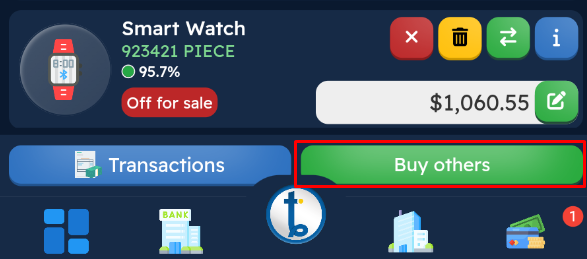
Click the

button.
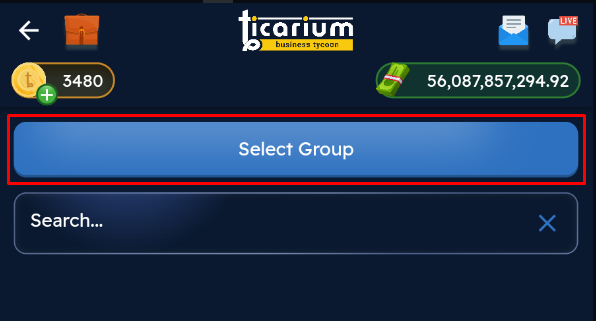
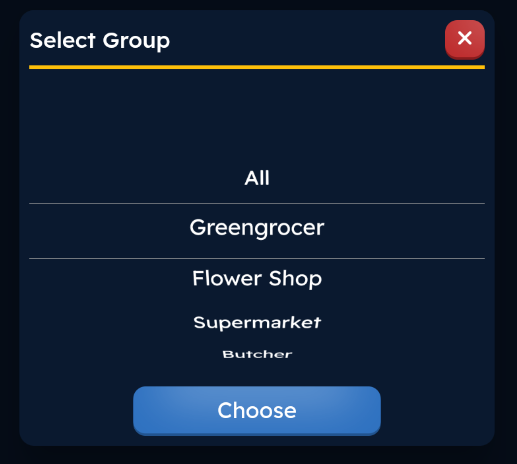
Choose the store group you want products from using

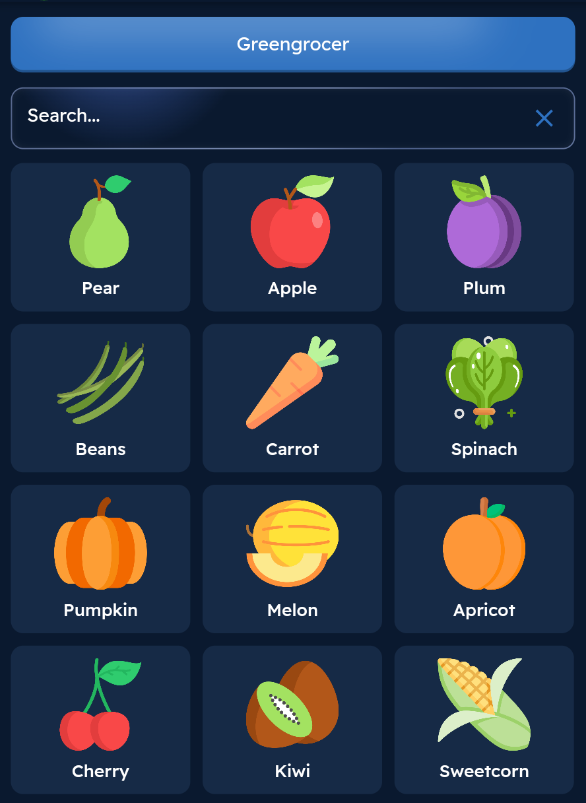
Select the desired product from the list and follow the same product purchase steps explained at the beginning of the page.