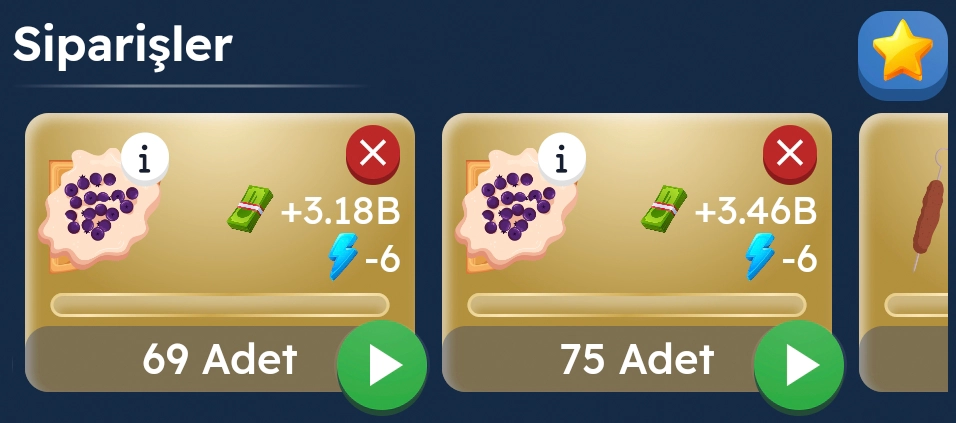
You can track incoming orders in the 'Orders' section. By tapping the Start button, you can accept and start preparing orders.
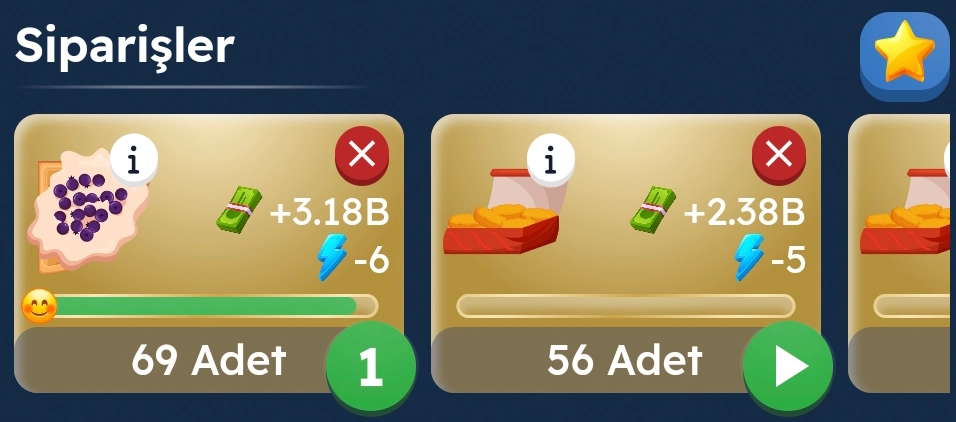
When an order starts, you should monitor the customer satisfaction timer. If you exceed this time, you may lose the customer and the order.
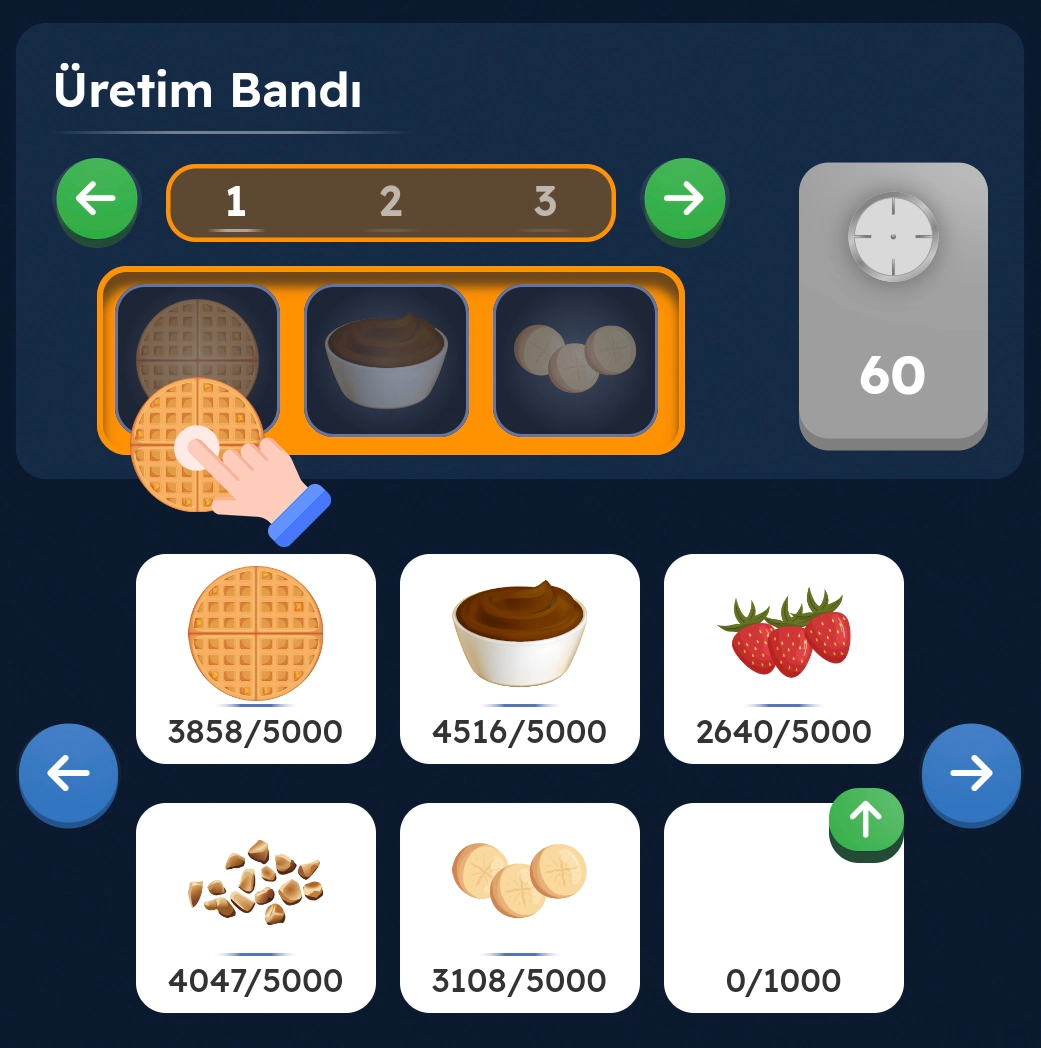
You can find clues for the items needed for your order on the production line. You must drag the items from your shelves to fill the conveyor with the required materials.

After dragging the required materials, the preparation time begins. Each order has a different preparation time, so you should wait accordingly.
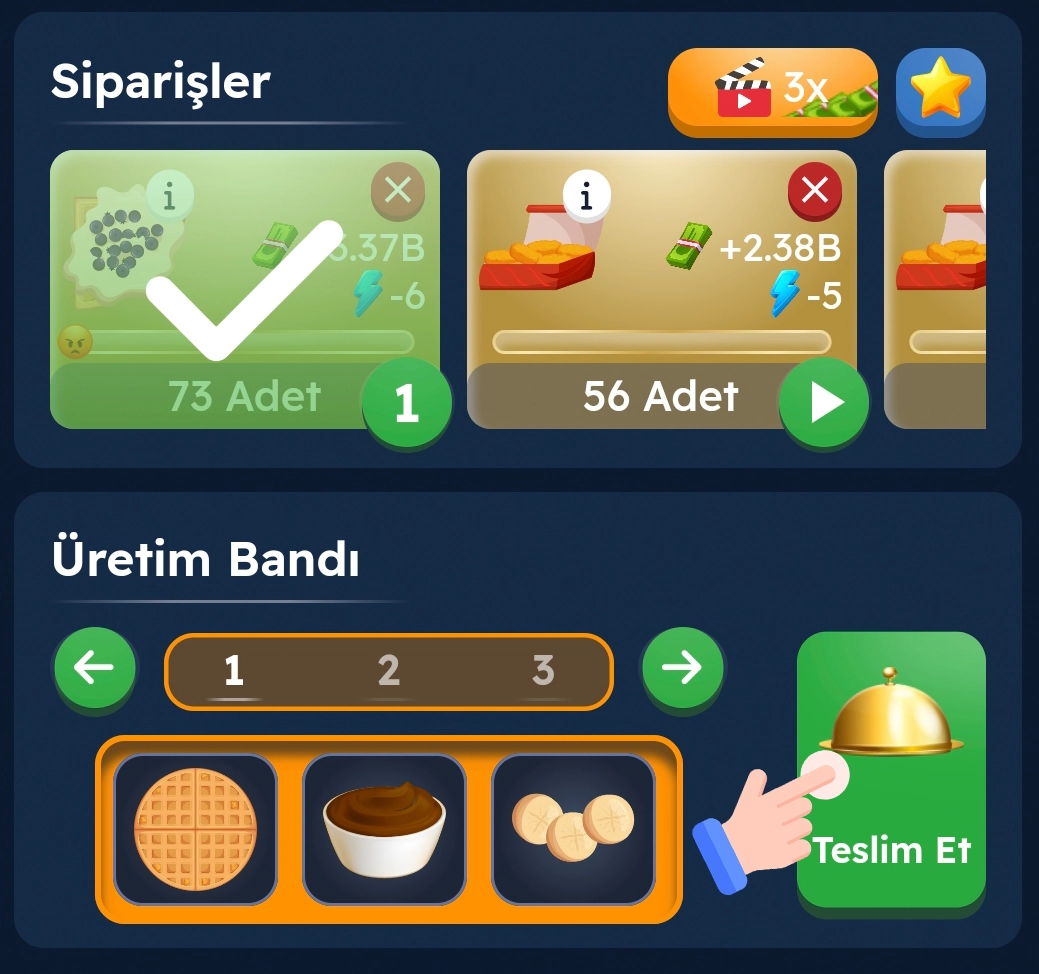
Your delicious order is ready! You can deliver it to the customer by tapping the 'Deliver' button 'Orders' list.
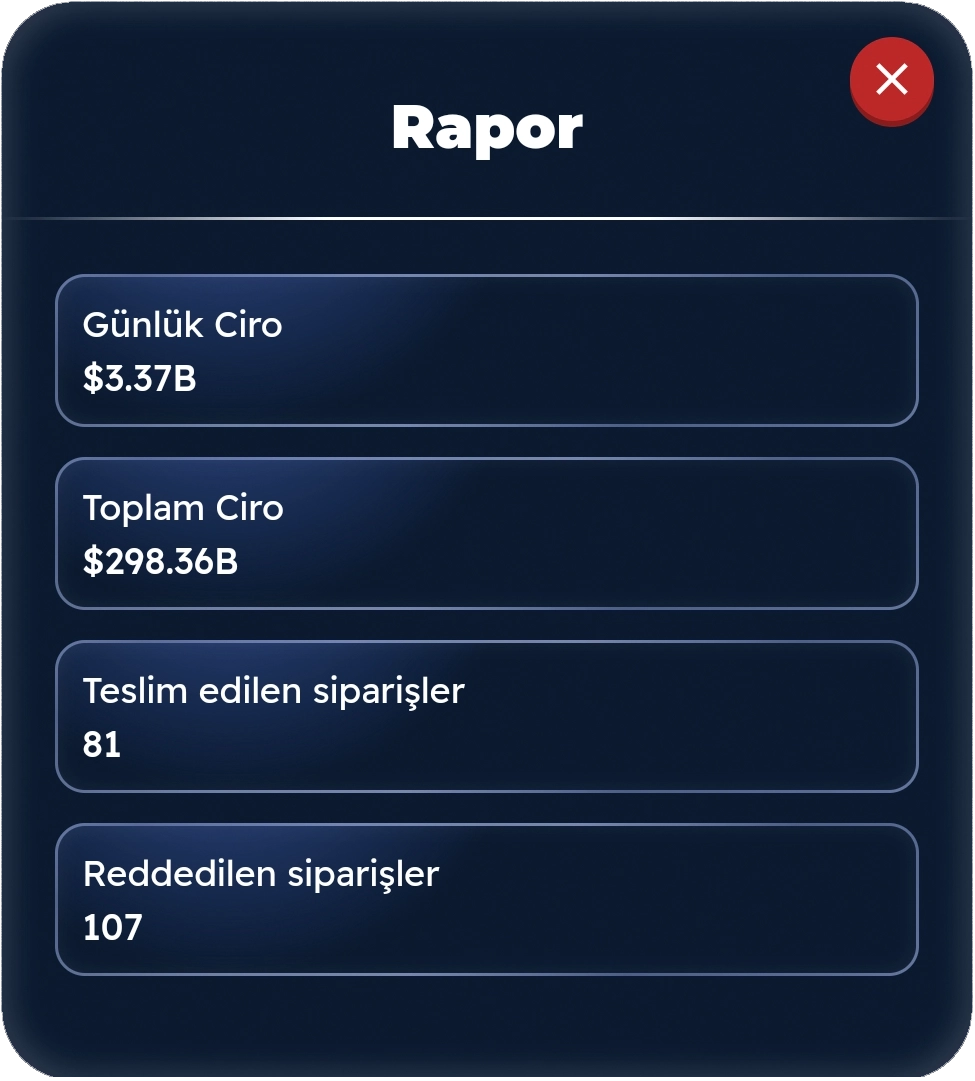
By reviewing restaurant reports, you can develop new strategies to become a better operator. Remember, you need to have a VIP package for this feature.
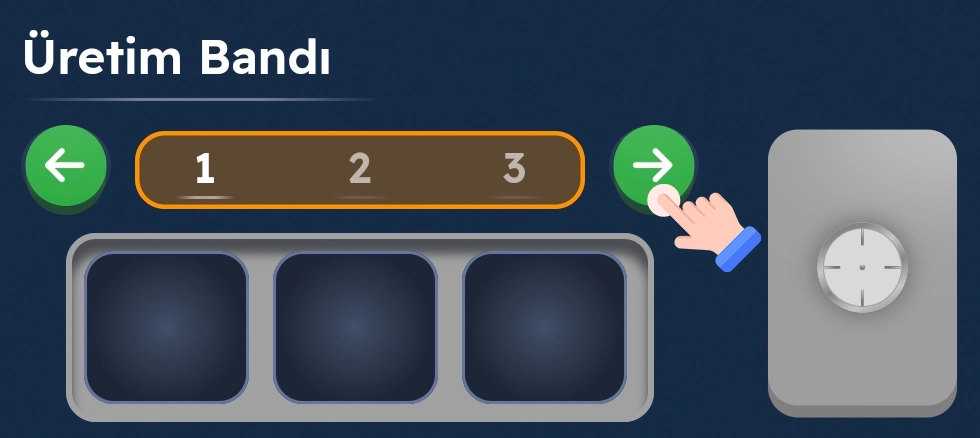
You can control production lines through buttons. You can spend coins to purchase a new production line. This can provide you with more orders and earnings.
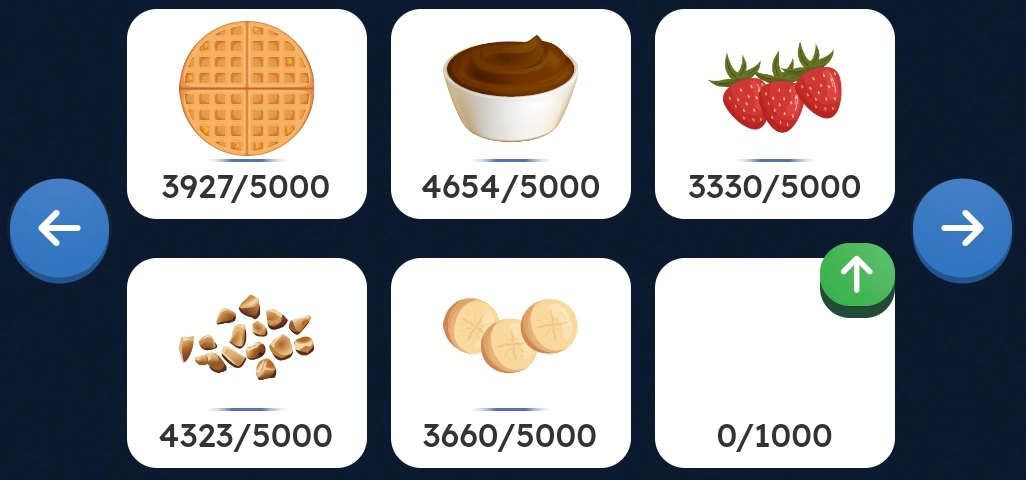
You will initially have 4 shelves. You can own up to 18 shelves by spending coins. You will need to place materials on the shelves. To convert warehouse items into restaurant materials, tap the 'Get Materials' button.
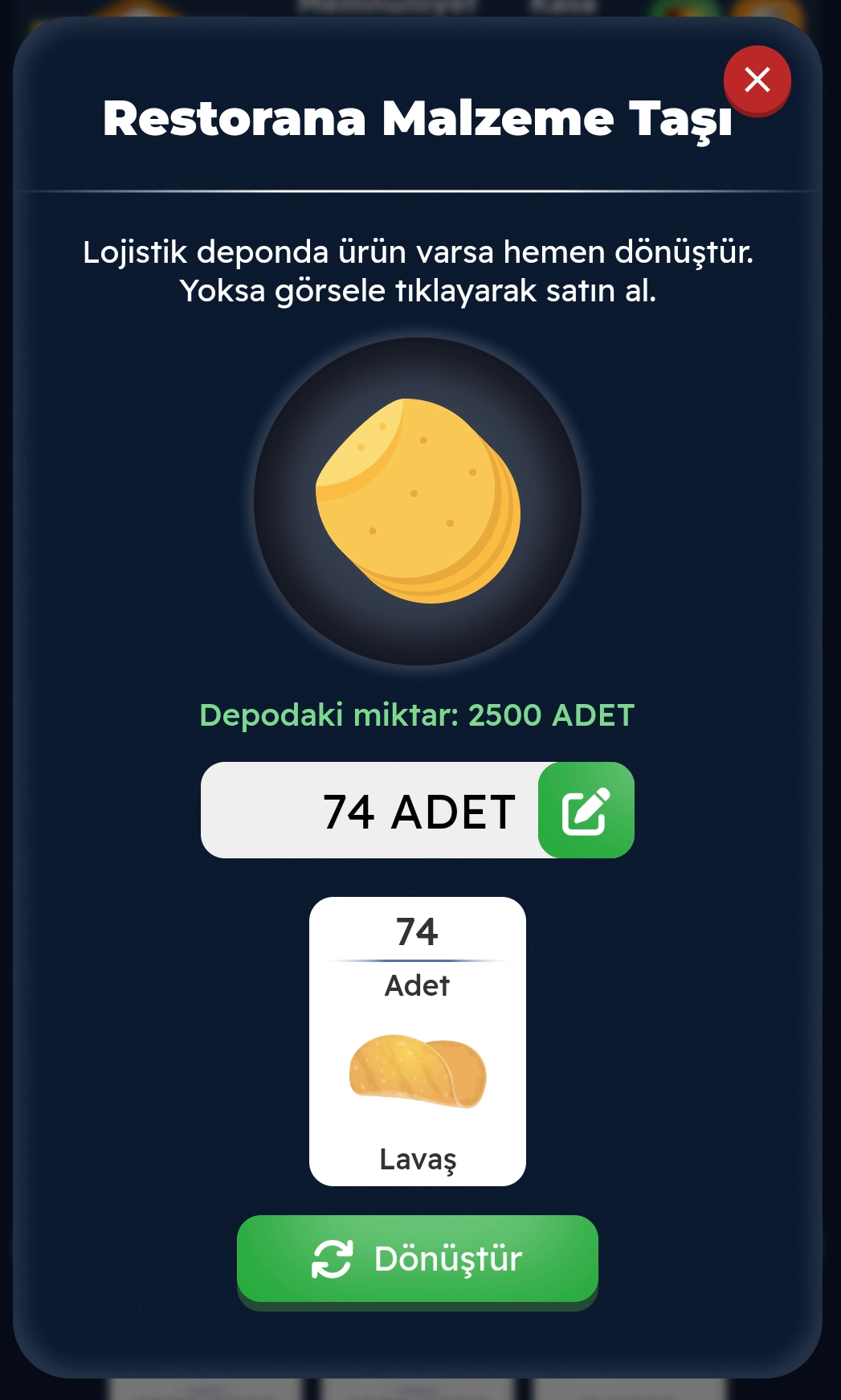
The required quantity will be automatically determined based on the shelf's capacity. You can also set the quantity yourself. If there is insufficient stock in the logistics warehouse, you can view sellers by tapping the main product image to make a purchase or leave this screen to go to the facility to start production. Afterwards, you can transfer the product to your shelves by converting it into restaurant materials.
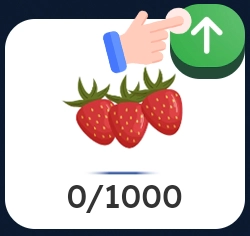
You can increase the shelf's capacity by spending coins here. Each level increase raises the shelf capacity by 1000 units. Each level increase costs 50 Ticarium Coins.
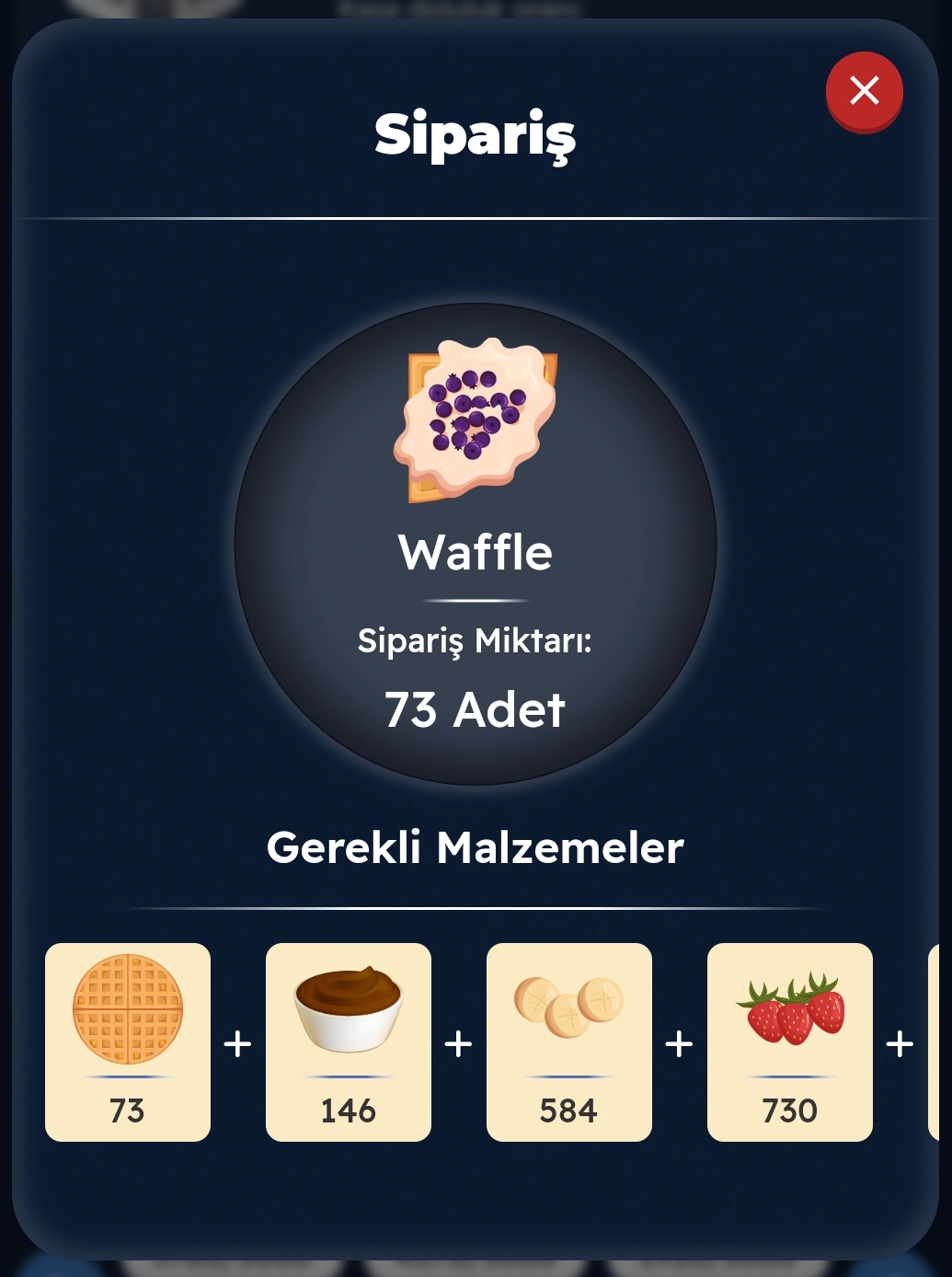
You can track the required materials and other details of incoming orders by tapping the 'Info' button on the order.
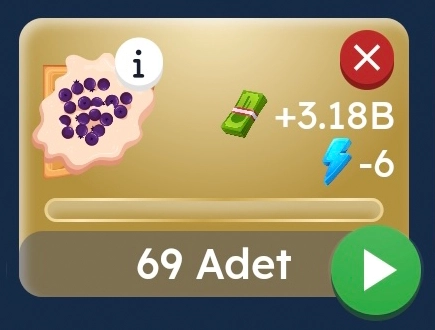
If you do not want to accept the order, you can reject it by spending coins here. The first rejection cost is 5 Ticarium Coins per day. For subsequent rejections, the cost will increase by +5 Coins. The cost becomes fixed when it reaches 50 Ticarium Coins.
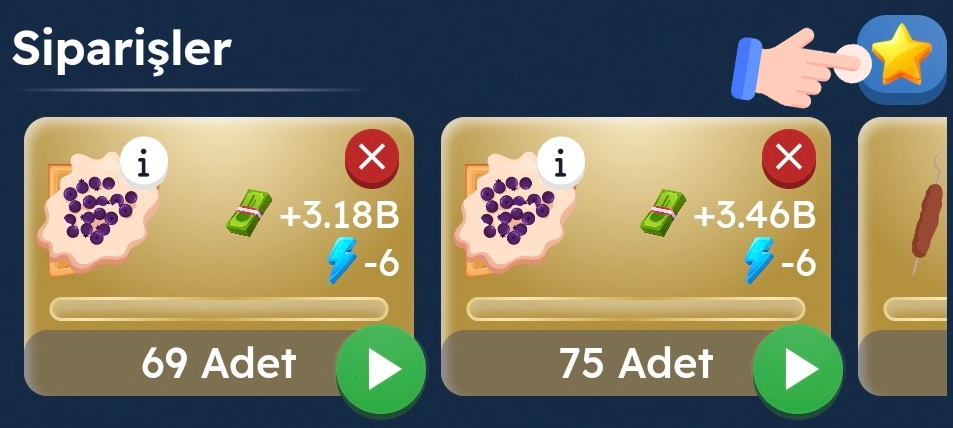
You can check the levels of your products here.
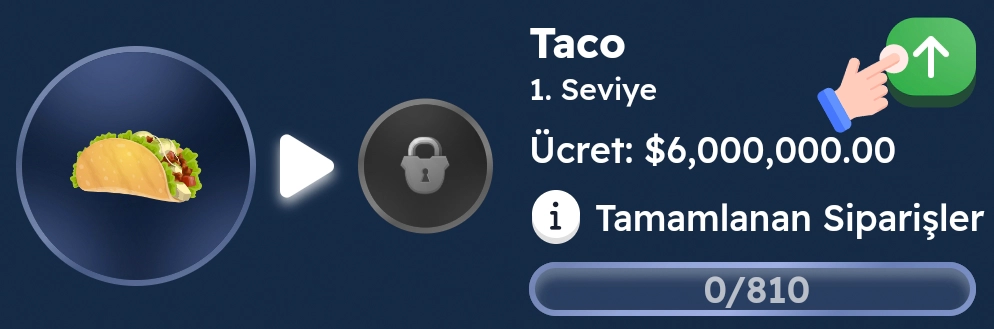
By increasing the levels of your products here, you can increase your sales revenues.
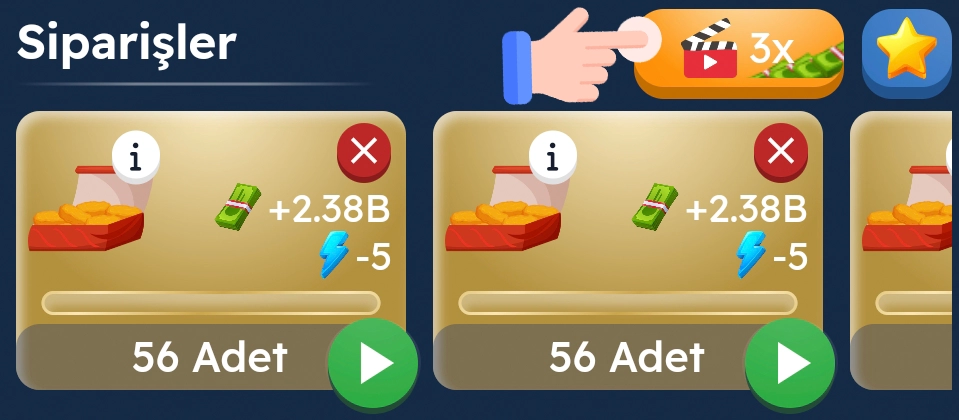
By watching ads, you can triple the earnings of all your orders for 5 minutes.
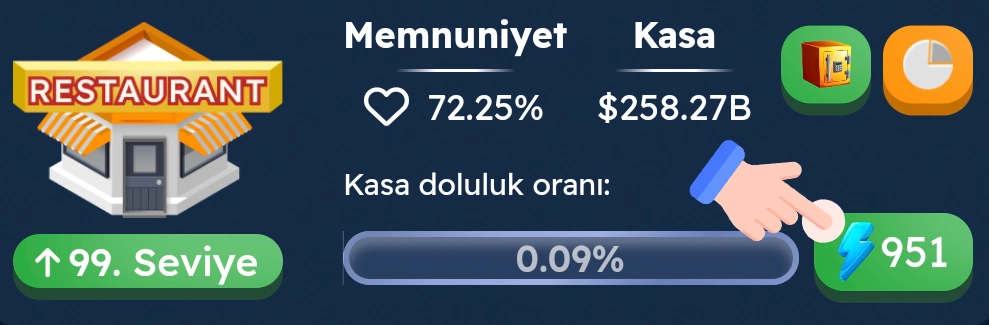
Each order consumes energy. You can track your remaining energy here.
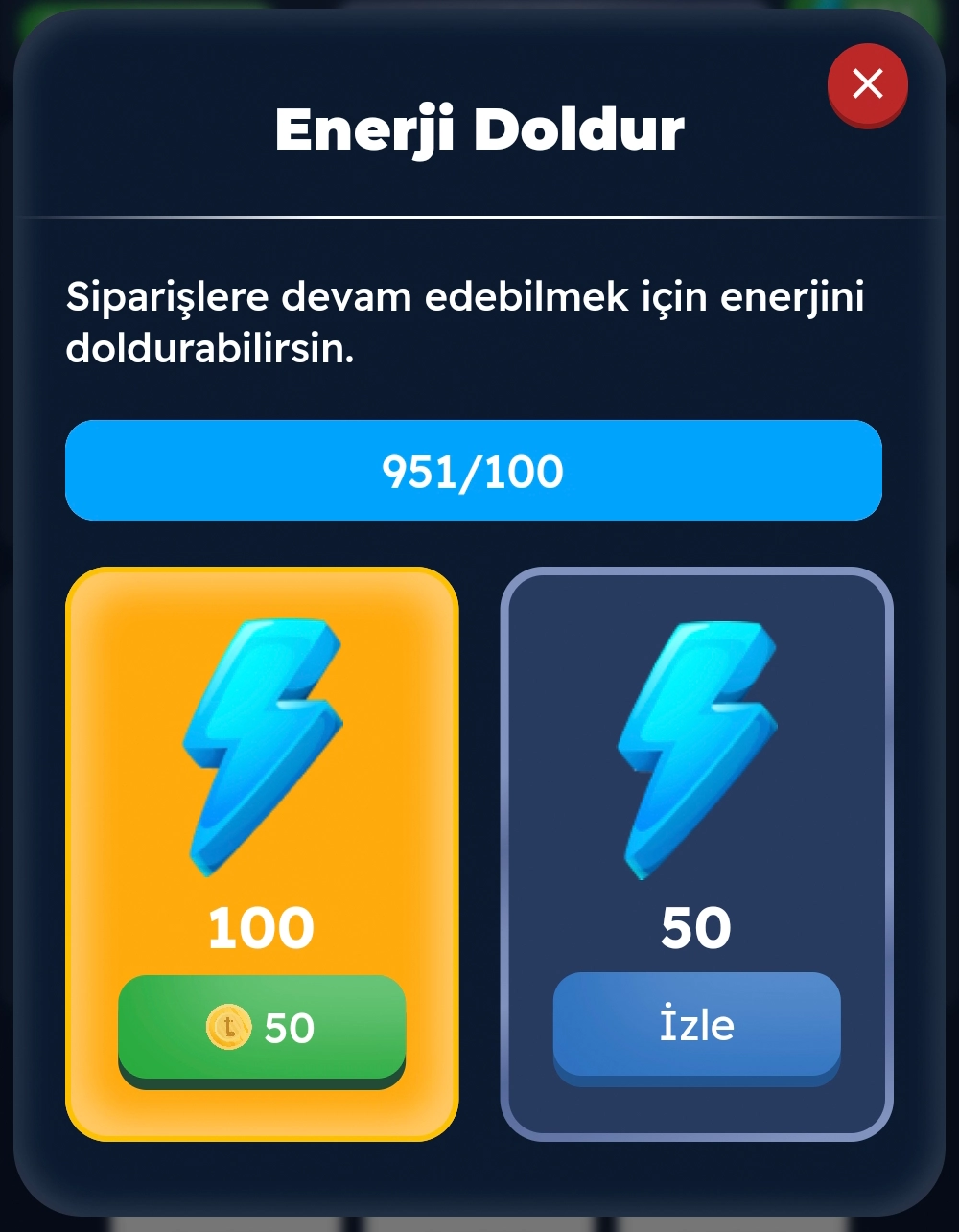
When your energy is insufficient, you can recharge it using the options here.
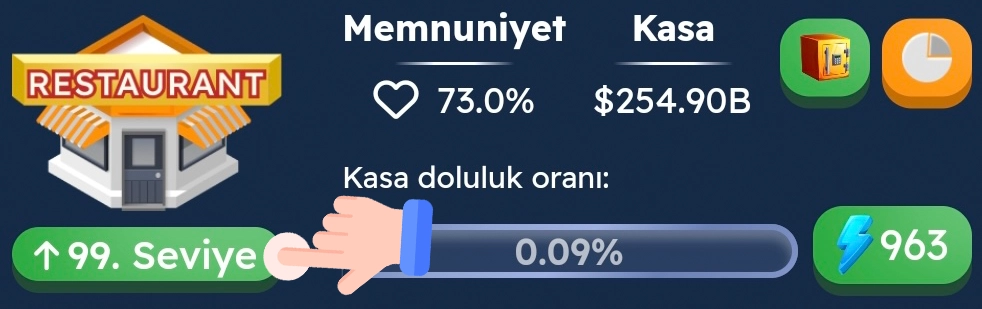
You can increase your restaurant's level here.
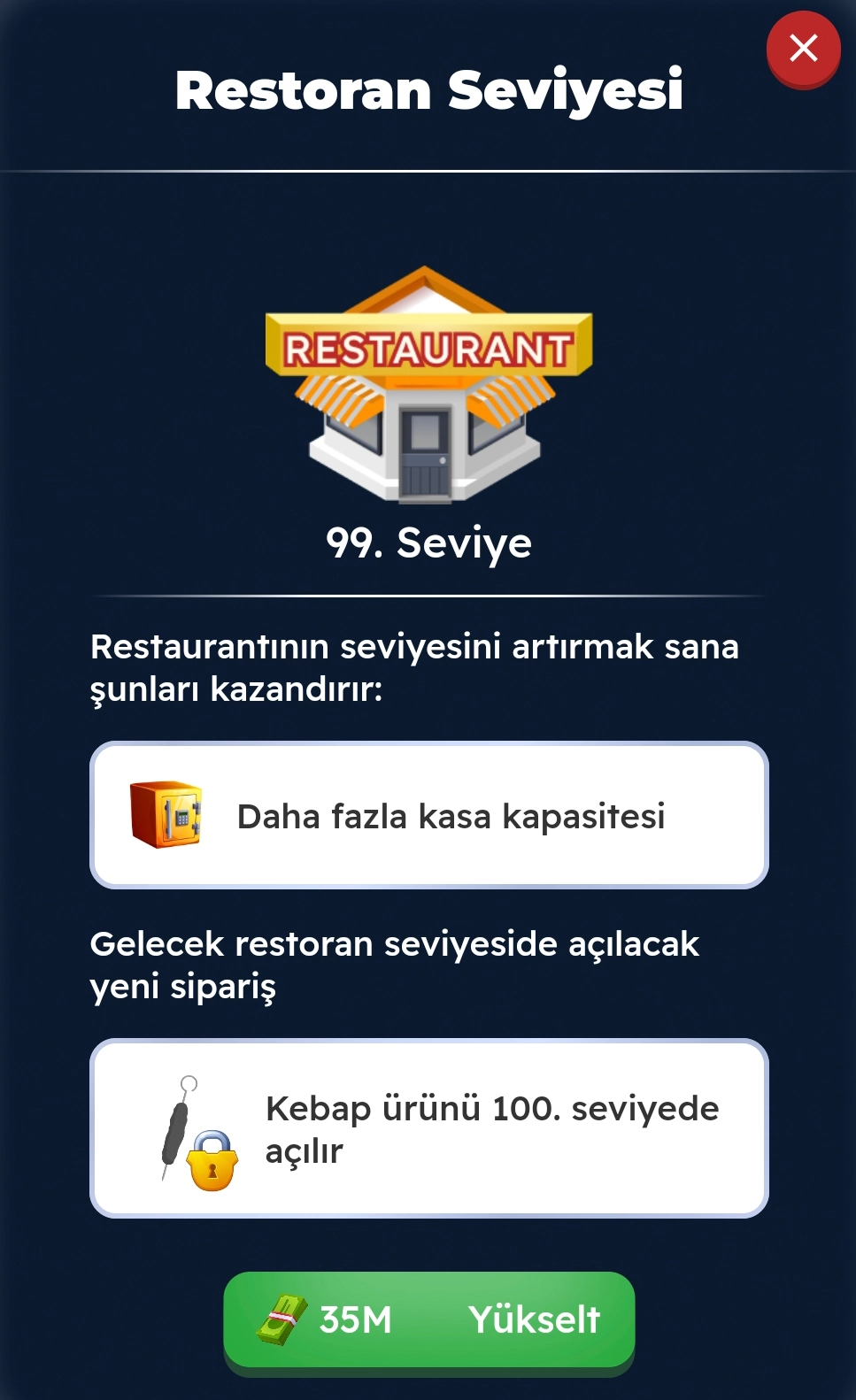
By increasing your restaurant's level, you can increase the capacity of the restaurant's cash register and unlock new products.
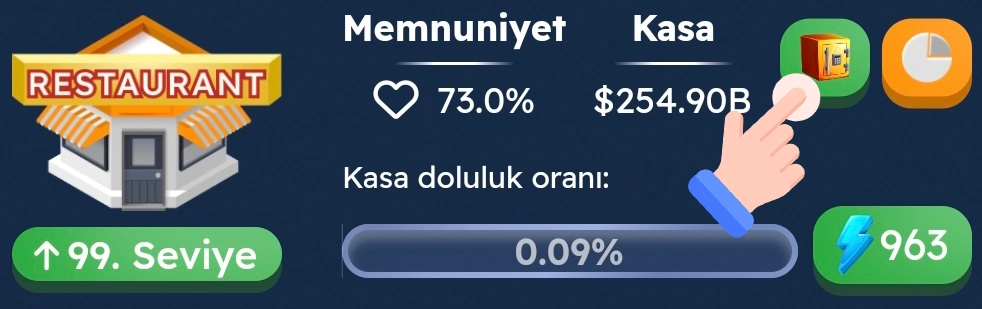
You can track your restaurant's cash register status here. As you increase the restaurant's level, the maximum money limit you can accumulate here will increase.
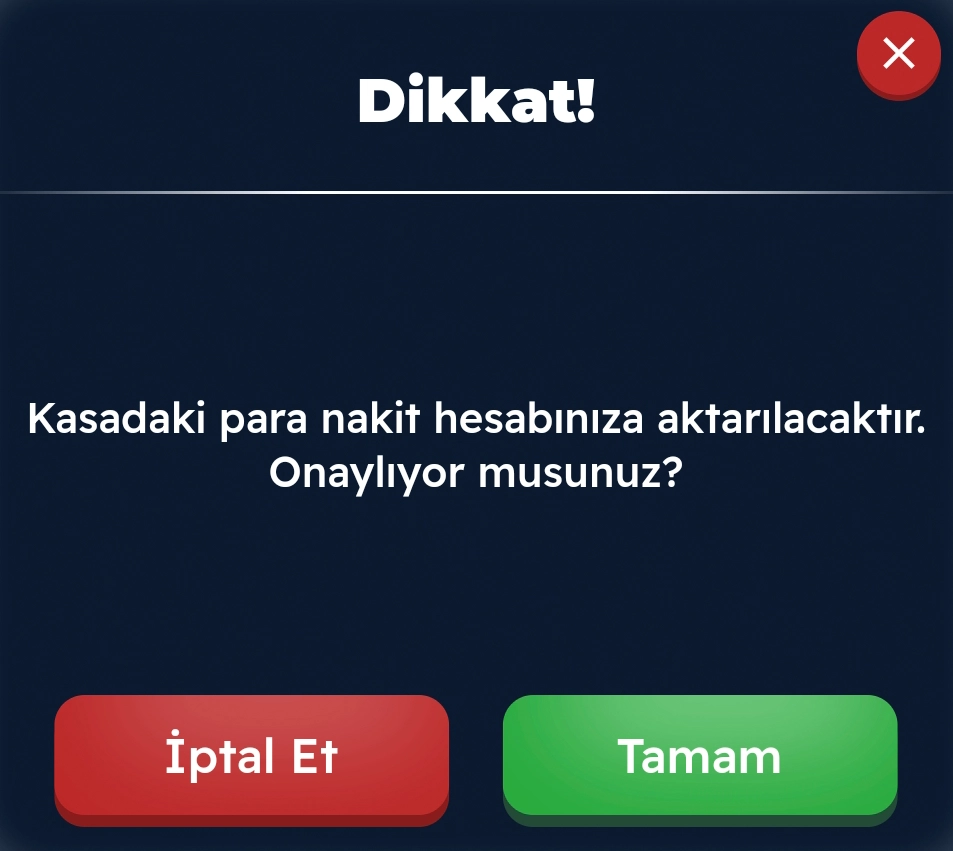
You can transfer the money accumulated in the cash register to your cash here.
The table below shows the average revenue generated per order when products are upgraded to the maximum level (Level 10). In this example, the customer satisfaction rate is 100%. With the “Restaurant Expertise” skill, which will be introduced in the near future, these revenues can be increased by up to 50%. The quality ratios in the table represent the average quality of the restaurant supplies you convert from the warehouse. The higher the average quality of the supplies used in orders, the more the revenue from subsequent orders will increase.
Product Name | 10% Quality | 100% Quality | 3X Active Price |
Hot Dog | $3,497 | $6,333 | $18,999 |
Pizza | $3,869 | $7,005 | $21,015 |
Hamburger | $6,301 | $11,442 | $34,327 |
Doner Kebab | $6,775 | $12,354 | $37,064 |
Taco | $10,515 | $19,079 | $57,238 |
Sushi | $11,165 | $20,237 | $60,713 |
Fish And Chips | $15,737 | $28,477 | $85,432 |
Hot Wings | $17,535 | $31,782 | $95,346 |
Waffle | $26,182 | $47,604 | $142,812 |
Kebab | $31,443 | $56,937 | $170,812 |