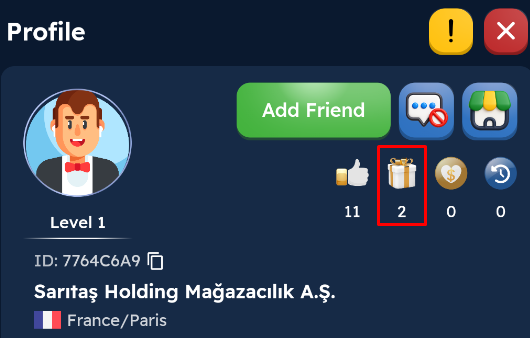
After clicking on a player's profile, you can send various gifts by clicking the Gift button. Each gift has a corresponding “reputation point” value. You can view this point on the player's profile. As your reputation points increase, you gain progress in the Montly Reputation Target And you can win various rewards.
Note: You must reach a company valuation of at least 1 million to send a gift!
1) Go to the profile of the player you want to send a gift to and click the Send Gift button.
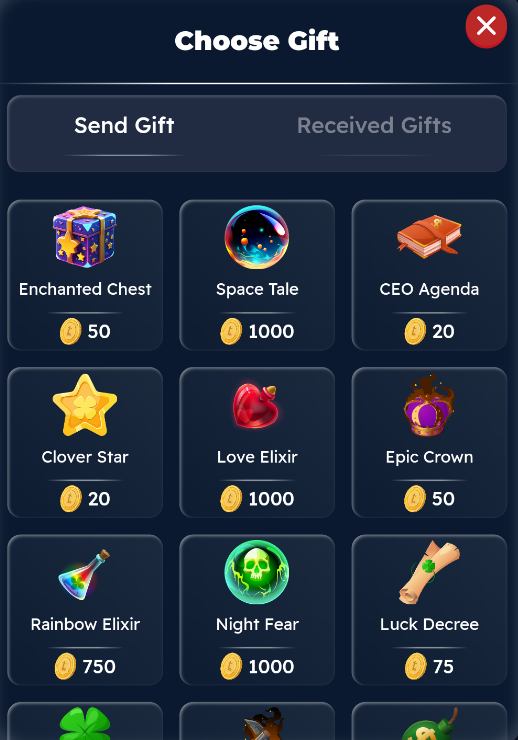
2) Select the gift you want to send.
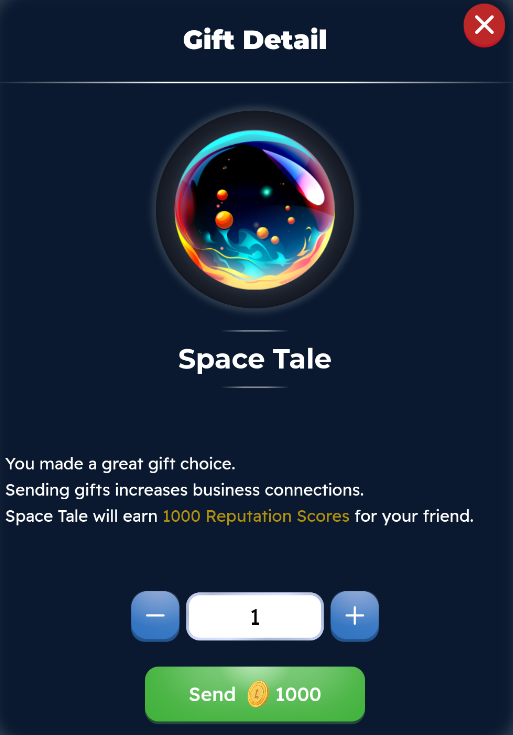
3) Enter the amount of the gift you wish to send and send the gift.
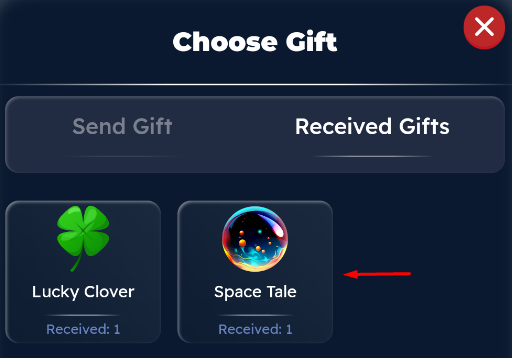
To view the gifts the player has received, you can click on the “Received Gifts” heading.