
What Is the Showcase?
The Showcase is the area where other players viewing your profile can see the gifts you’ve displayed.
It appears as a horizontal strip just below the “Company Value” and “My Workplaces” sections in your company headquarters. Here, you can display rare and collectible items—such as the CEO’s Agenda, Magic Chest, Nightmare, and Magic Labradorite—that have been sent to you, so that all players can see them.

How to Add a Gift to the Showcase
When the admin panel opens, the bottom section lists all the rare items your company has obtained so far, along with the number of each item you currently have (Received: X).
Tap the item you want to display (for example, Clover Star or Sultanite Heart) from the list.
Tap the blue “Add to Showcase” button that appears below.
Your item will instantly appear in the active showcase bar at the top.
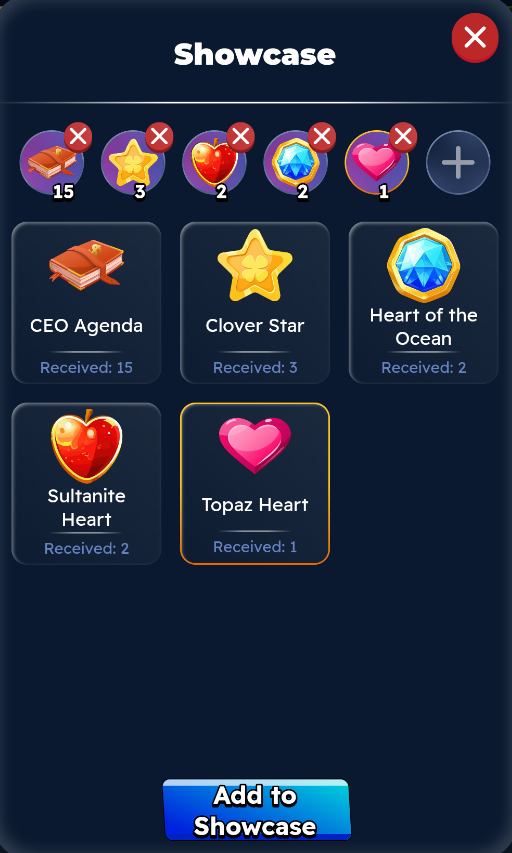
When you add gifts to your showcase, it will look like this.
