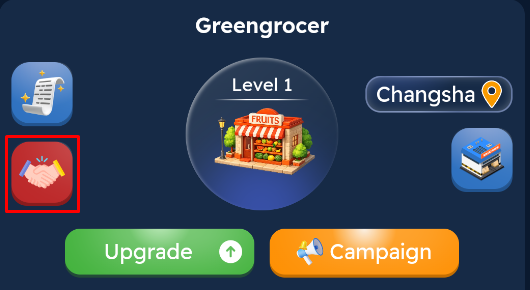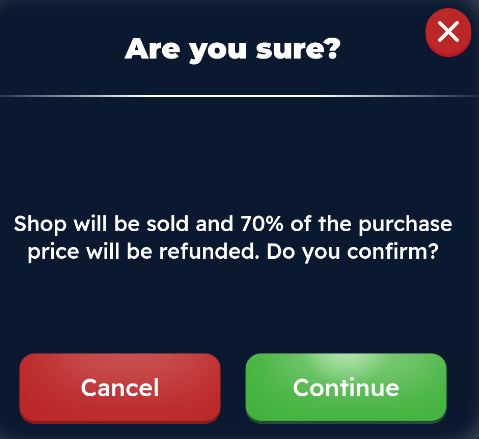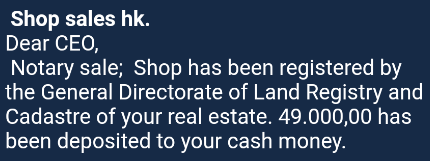
To sell a store, first click on the shop in question, then click the “Sell Shop” button. Once the sale is approved, 70% of the shop's purchase price will be refunded to your account. After the transaction is complete, detailed information regarding the sale price will be sent to your system inbox.