You can follow the steps below to send a message to a friend from within the game:
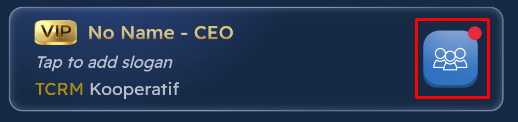
Click on the My Friends icon located in the Profile section.
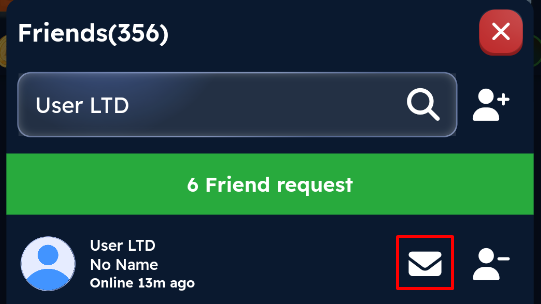
Find the player you want to send a message to in the friends list that opens.
Click on the envelope icon next to the player.
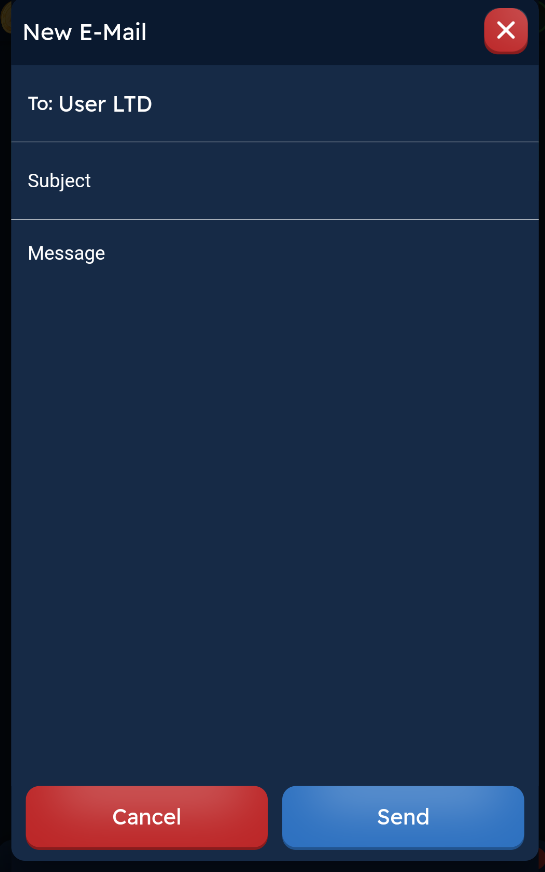
In the New Email screen that opens, the recipient field is automatically filled with the player you selected.
Subject field and type the title of your message.
Message field and enter the text you want to send.
Click the Send button to complete the action.
If you want to cancel sending the message, you can use the Cancel button or close the window by clicking the X icon in the top right corner.