You can easily block players who engage in disruptive behavior or with whom you don't want to communicate by using the Block feature. Blocked players cannot communicate with you and your gaming experience becomes safer.
Player Blocking Steps
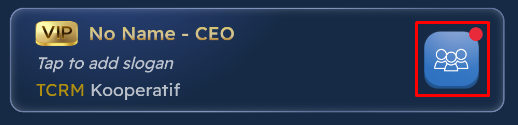
Click the My Friends button on your profile.
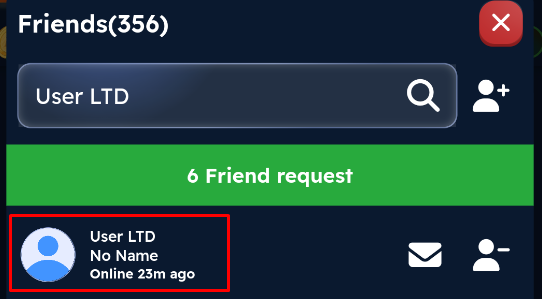
Find the player you want to block in the friends list that opens and click on the player's profile.
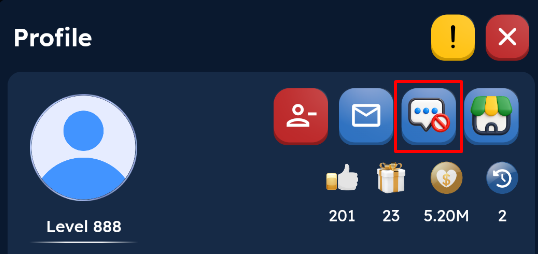
Click the Block icon on the profile screen that opens.
Once you confirm the action, the player will be blocked.
What Happens to a Blocked Player?
When you block a player, the following restrictions apply:
Cannot send you private messages.
Cannot send friend requests.
Cannot communicate with you directly.
Unblocking a Blocked Player
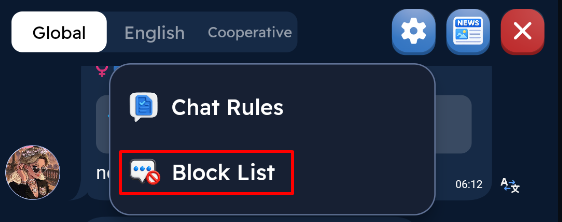
If you change your mind later, you can unblock the player from the Blocked Players list. After unblocking, the player can communicate with you normally again and resend a friend request.