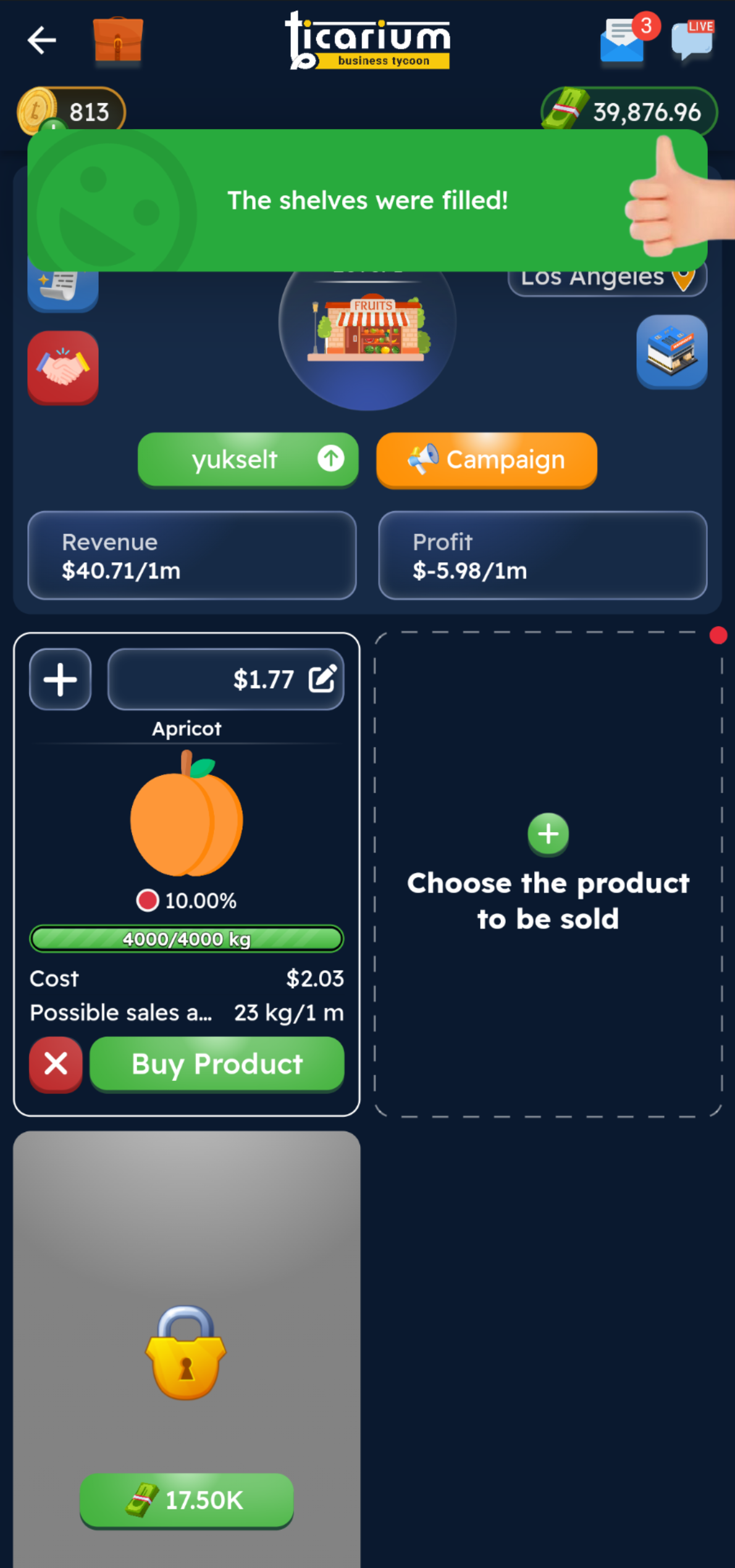
Filling shop shelves is the basis for making sales. If the shelves are empty, there are no sales in the shop. So how can you fill your shelves?
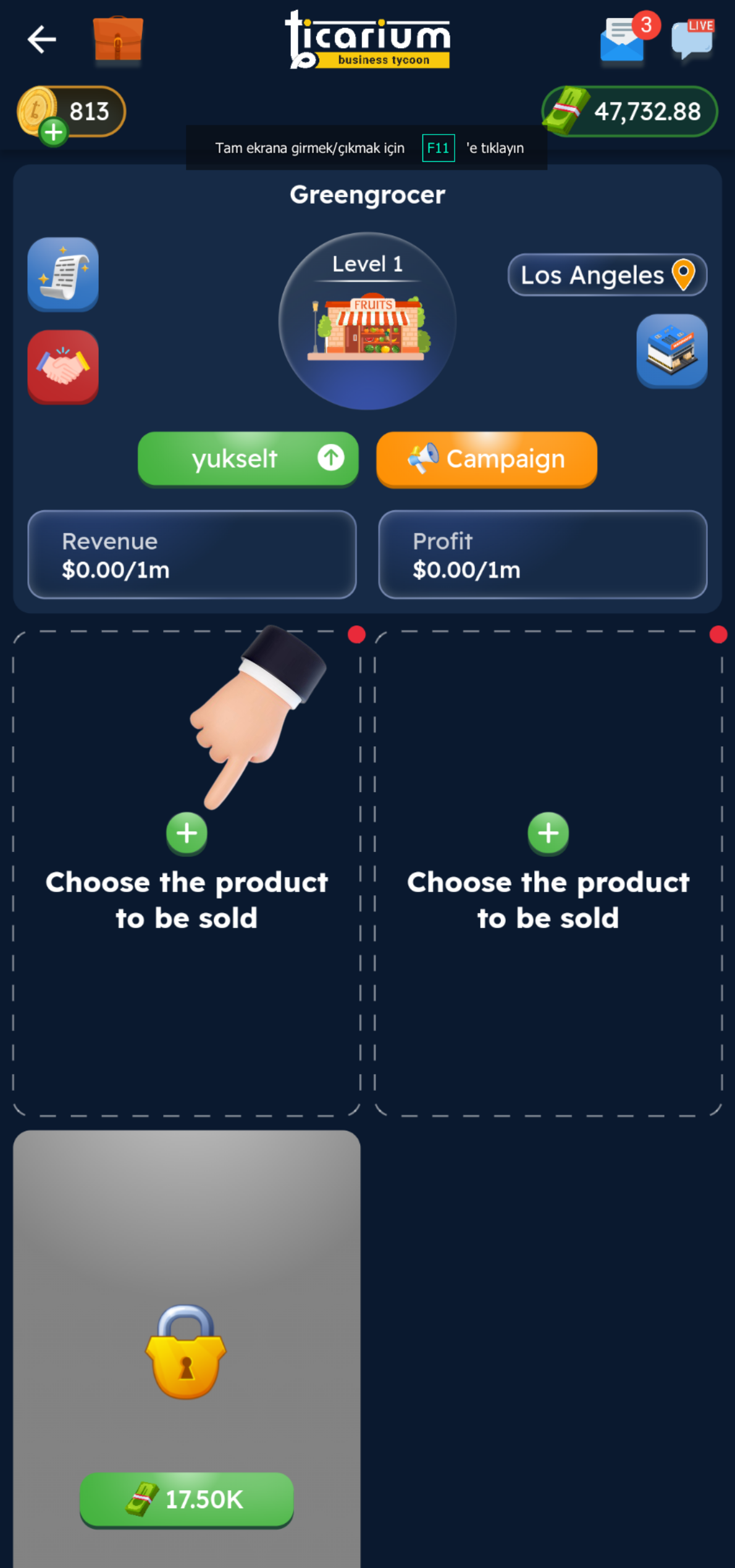
STEP 1
Click on the “Select the product to be sold on the shelf” button in the image.
STEP 2
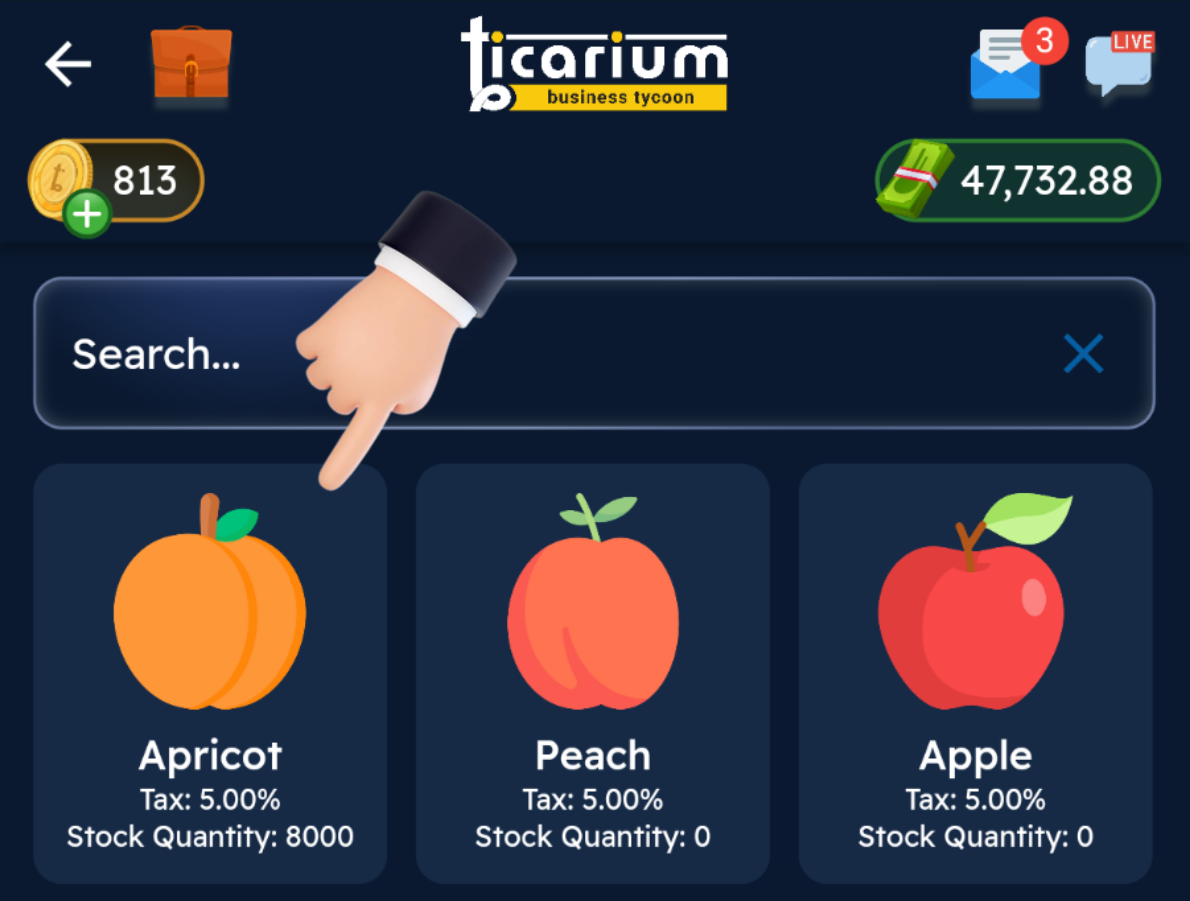
We select the product we want to sell on the shelf.
STEP 3
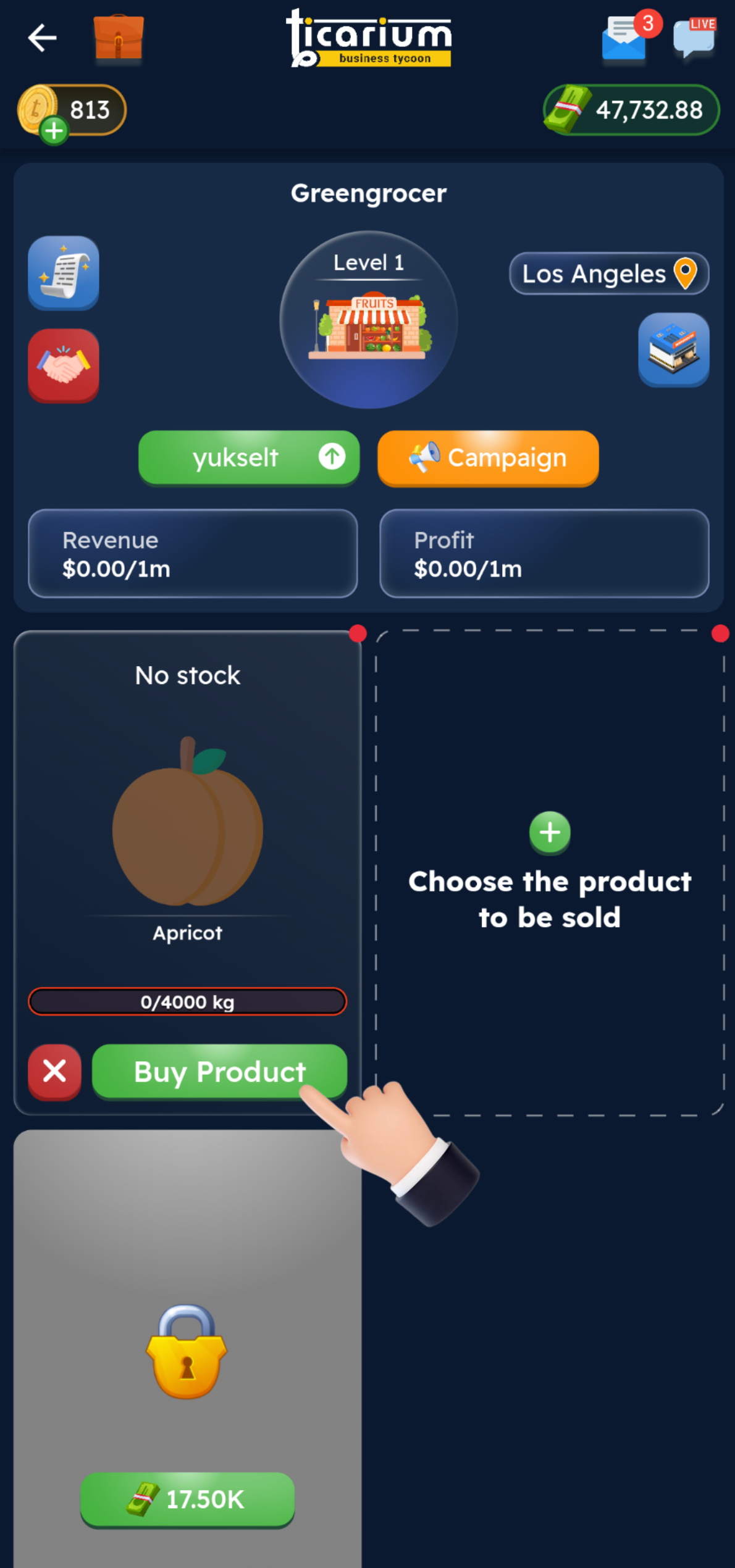
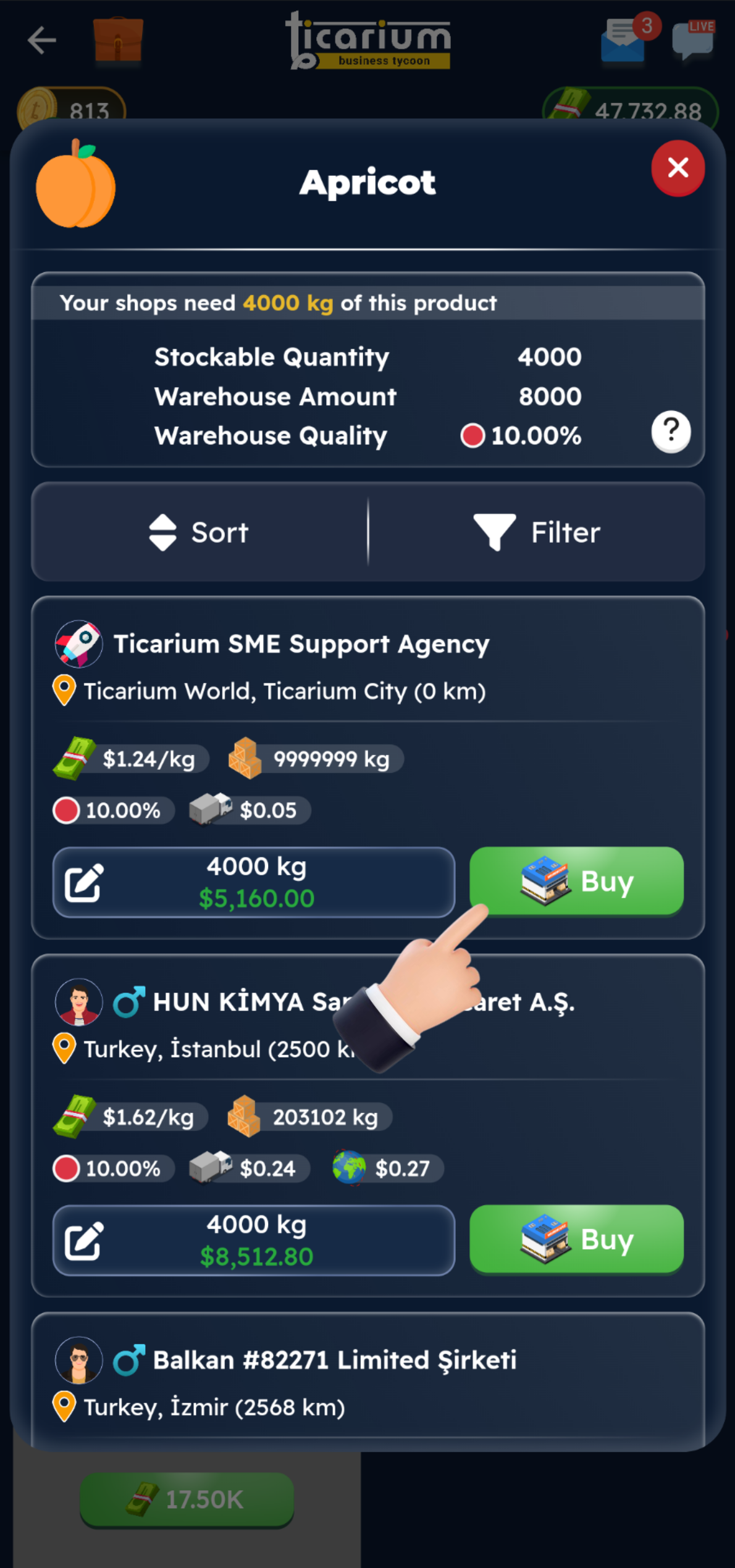
Click on the “Buy Product” button in the image.
STEP 4
We find the most suitable seller for you and buy the product with the “Buy” button.
STEP 5
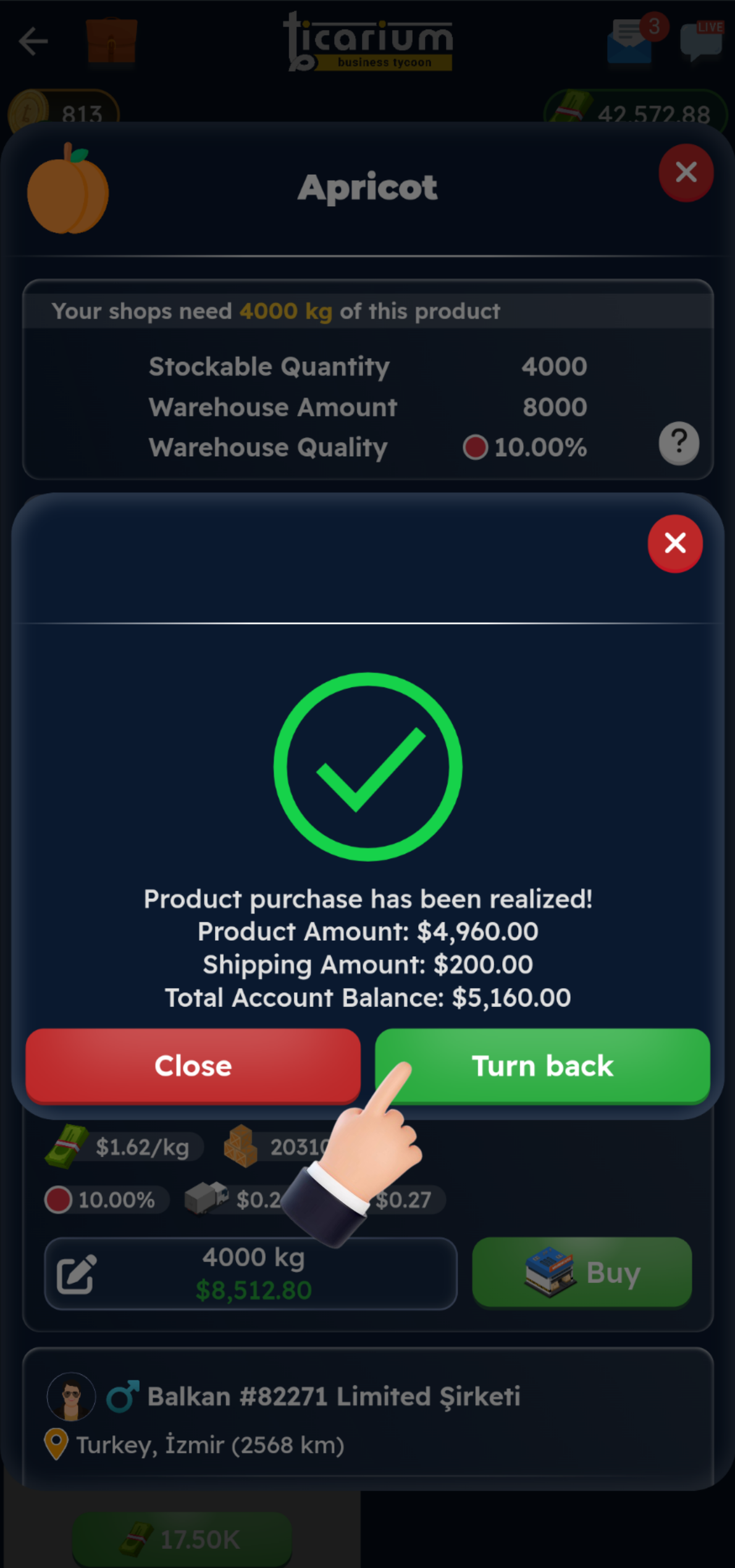
We go back to our store with the “Go back” button.
STEP 6
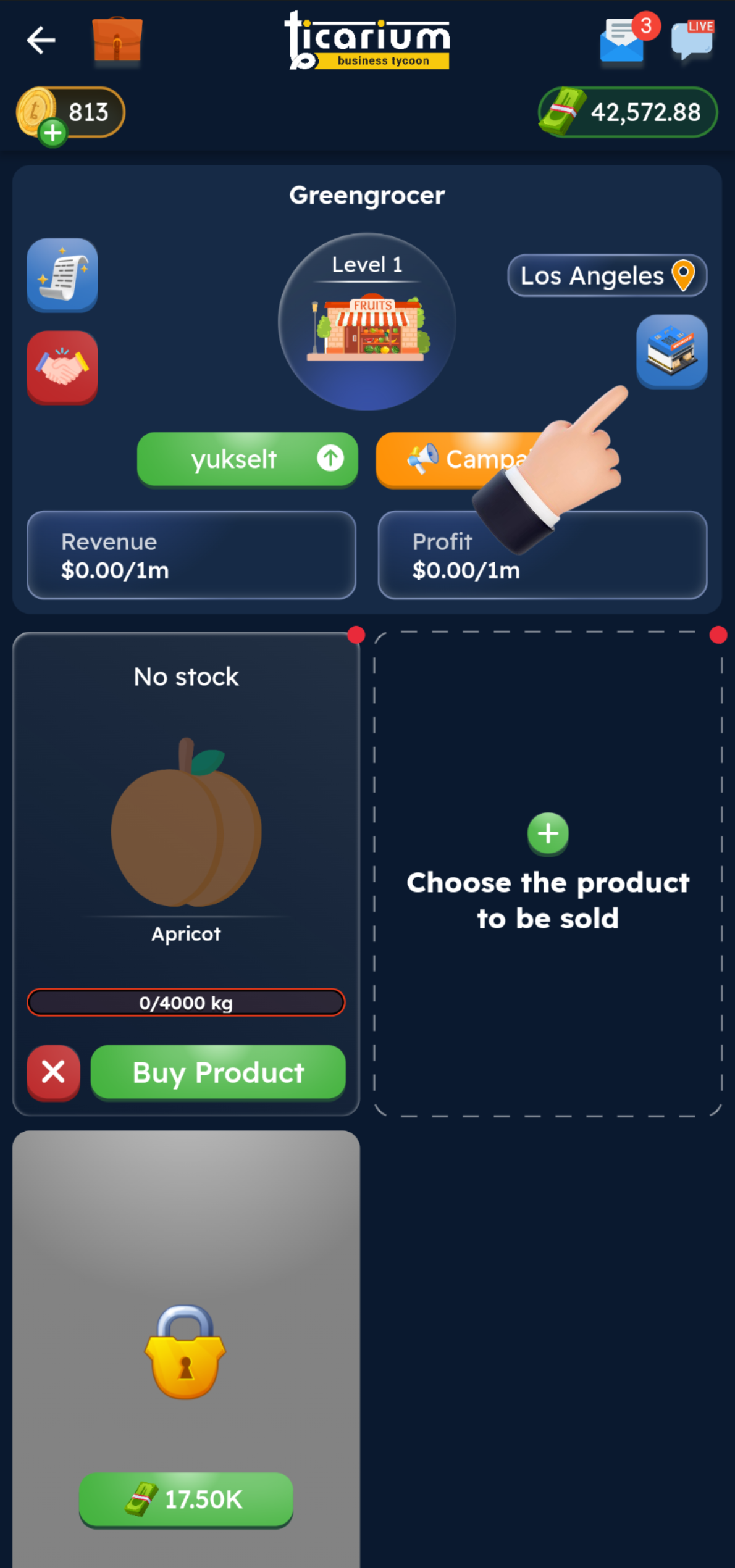
We open the “Fill shelves” tab.
STEP 7
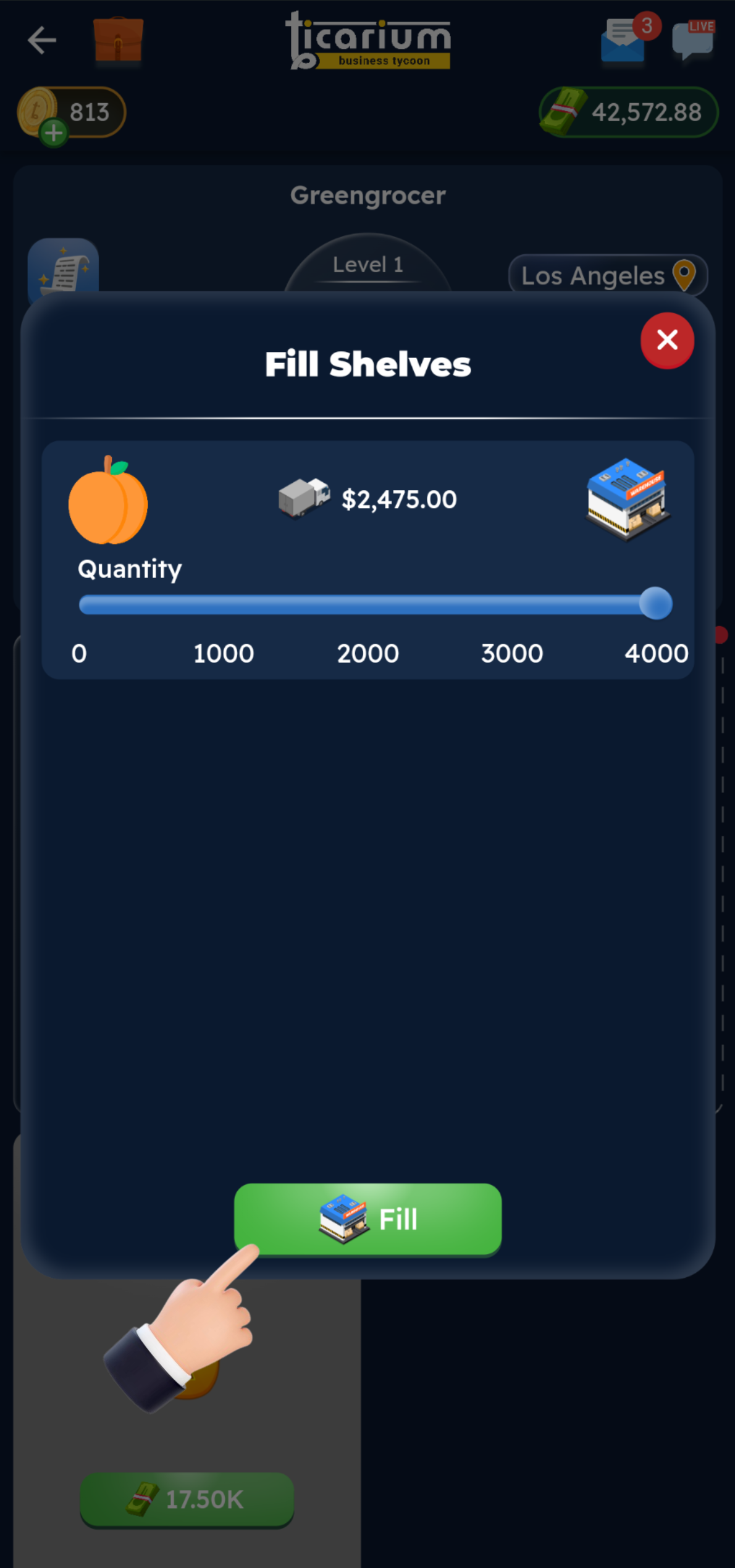
Click on the “Fill” button to fill the shelves.
STEP 8
Now that the shelves are full, the shop can sell!
Note: Don't forget to change the price of the newly added product on the shelf to make a profit. As you can see in the image, the product may start selling with a negative (-) profit when it is first added!